
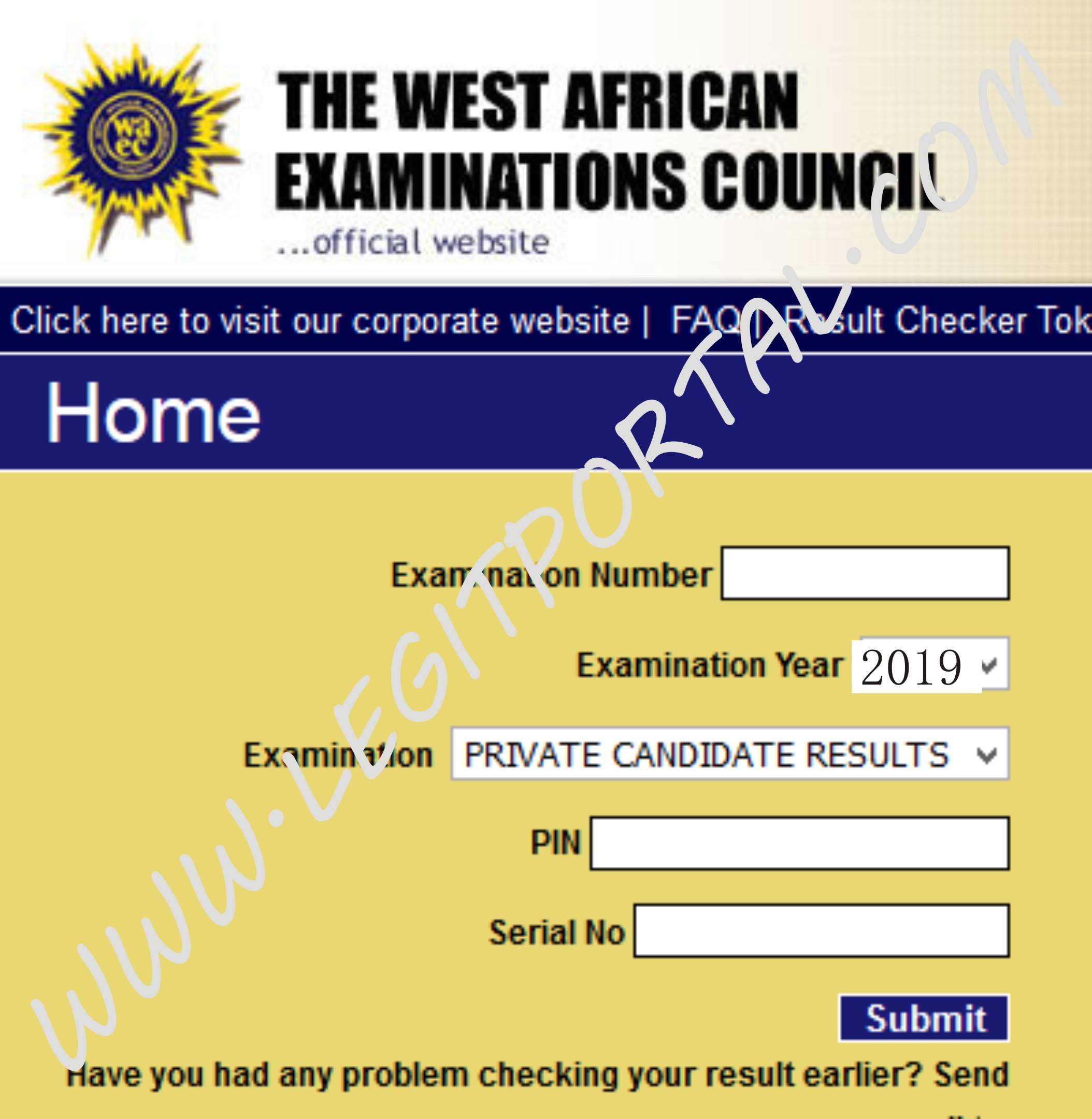
How To Check 2020 SSCE Results
The West African Examinations Council (WAEC) on Monday, November 2 released results of the 2020 Senior Secondary School Certificate Examination (SSCE).
Checking the result is very simple.
Remember the smart identity card used during the exams? Well, the result checker pin and serial number contained on it are all that is needed.
All you need to do is:
- Go to https://www.waecdirect.org/ which is the WAEC result checking portal.
- Enter your WAEC Examination Number in the required column.
- Select your Examination Year
- Select your Examination Type which is “school candidate result”.
- Then enter the Card Serial Number.
- Enter the Card PIN afterwards.
- Finally, click “Submit” button to get your 2020 WAEC Result.
Copyright ©The Daily Bells.
All rights reserved. This material, and other digital content on this website, may not be reproduced, published, broadcast, rewritten or redistributed in whole or in part without prior express written permission from The DAILY BELLS.
HELLO! Do you have any NEWS you will like to share with The Daily Bells?
Contact us today for your Press Releases, Opinions, Others.
SMS: +2348060176677, WhatsApp: +2348025237926, Email: mydailybells@gmail.com

